If you are choosing between Hostinger plans for one WordPress site or a small content portfolio, the main mistake is buying on promo price alone. The better move is to choose the first plan that can cover your next 6 to 12 months without forcing an early upgrade.
The short answer
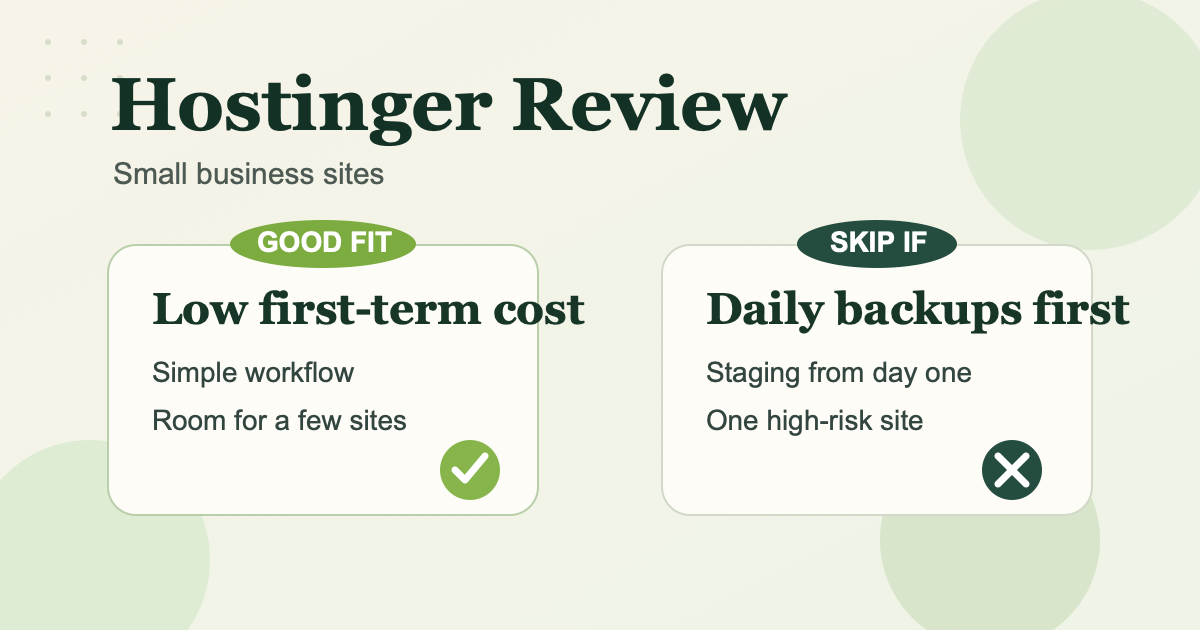
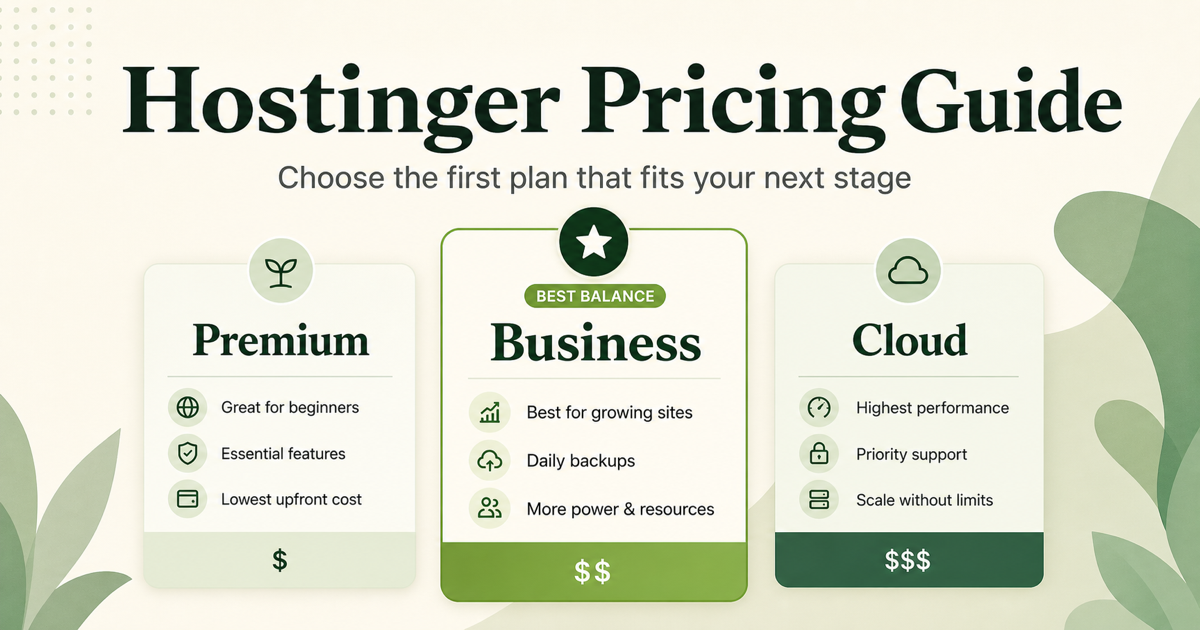
- Choose Premium if you are launching one lean site and weekly backups are acceptable.
- Choose Business if daily backups, more than three websites, or extra storage headroom already matter.
- Choose Cloud Startup only if Business still looks tight and you already know you need more performance margin.
Hostinger pricing works in two layers
As of May 1, 2026, Hostinger’s U.S. pricing page lists three main plans for website hosting: Premium, Business, and Cloud Startup. The advertised monthly price is based on a 48-month term, all plans are paid upfront, and the renewal price is much higher. The better question is not “Which plan is cheapest today?” It is “What will this cost now and at renewal, and does that fit my site’s current stage?”
Quick plan view
| Plan | Promo price | Renewal price | Key limits or extras | Usually best for |
|---|---|---|---|---|
| Premium | $2.99/mo | $10.99/mo | 3 websites, 20 GB SSD, weekly backups | One small content site or a few early-stage sites |
| Business | $3.99/mo | $16.99/mo | 50 websites, 50 GB NVMe, daily and on-demand backups | A growing content site or a small multi-site setup |
| Cloud Startup | $7.99/mo | $25.99/mo | 100 websites, 100 GB NVMe, dedicated IP, 4 GB RAM | Sites that already need more headroom than Business |
These are the headline U.S. prices shown on Hostinger’s official pricing page on May 1, 2026. They can change by market, term length, and promotion.
What matters more than the promo price
1. Renewal price is part of the real price
Hostinger makes the entry point look inexpensive, but the renewal number is what tells you whether the plan still feels reasonable after the first term ends. If you only compare the discounted rate, you can end up choosing a plan that feels cheap now and annoying later.
2. Limits decide when a plan becomes painful
For a content site, the real question is not only storage. You should also care about how many sites you plan to run, how much backup protection you get, and how much resource headroom you have before the site starts to feel constrained.
3. Upgrading later is usually better than buying too big
Many small site owners overbuy because they do not want to revisit hosting soon. The more useful trigger is simpler: if you can stay under Premium’s three-site cap, 20 GB storage, and weekly backup model for the next several months, paying for more is usually wasteful. If one of those limits already looks tight, moving up early is more honest than pretending you will not hit it.
When Premium is the right answer
Premium is usually the rational starting point when one site is the real project and you mainly want to get online cheaply. The plan is easier to defend if weekly backups are enough and you do not expect to need more than three websites or more than 20 GB of storage soon.
If your goal is to launch, publish, and keep first-term cost low, Premium is the clean default.
When Business becomes the better buy
Business becomes the better buy the moment Premium’s limits already look cramped. The clearest trigger is backup policy: if weekly backups feel too thin for your workflow, Business is the first tier that gives you daily and on-demand backups. It also raises the ceiling from three websites and 20 GB storage to 50 websites and 50 GB NVMe storage.
That makes Business easier to justify than it first appears. On the current 48-month promo, the gap from Premium is only $1 per month, but the renewal gap is larger. If you already know you need the higher limits, buying Business now is more rational than starting on Premium and upgrading quickly.
When Cloud Startup becomes rational
Cloud Startup is not the default answer for a beginner content site. It becomes rational when Business still looks narrow before you buy. The concrete reasons are things like wanting the dedicated IP, needing more than 50 websites, or wanting a larger performance buffer from the start with 4 GB RAM and a higher ceiling.
If none of those conditions are real yet, Cloud Startup is usually more plan than you need. The first-term jump from Business is large enough that you should be able to name the reason before paying it.
A practical selection rule
Choose the lowest Hostinger plan that can support your next 6 to 12 months without creating an obvious backup, site-count, or performance bottleneck.
That rule usually leads to:
- Premium for a new or lean single-site project
- Business when daily backups or higher limits already matter
- Cloud Startup only when you already know Business is too small
Final take
For most small content sites, the real tradeoff is low first-term cost versus renewal pressure, backup coverage, and performance headroom.
Start with Premium if one lean site is the plan and weekly backups are acceptable. Choose Business when daily backups or higher limits already matter. Move to Cloud Startup only when you can point to a real performance or scale requirement before checkout.
Before buying, verify the live introductory and renewal prices on Hostinger’s official pricing page, because these numbers can change by market, term length, and promotion.