Hostinger is easy to like when you first land on the pricing page. The harder question is whether it is still the right fit after signup, when you need to restore files, test a WordPress change, or add a second site for the same business.
Quick verdict
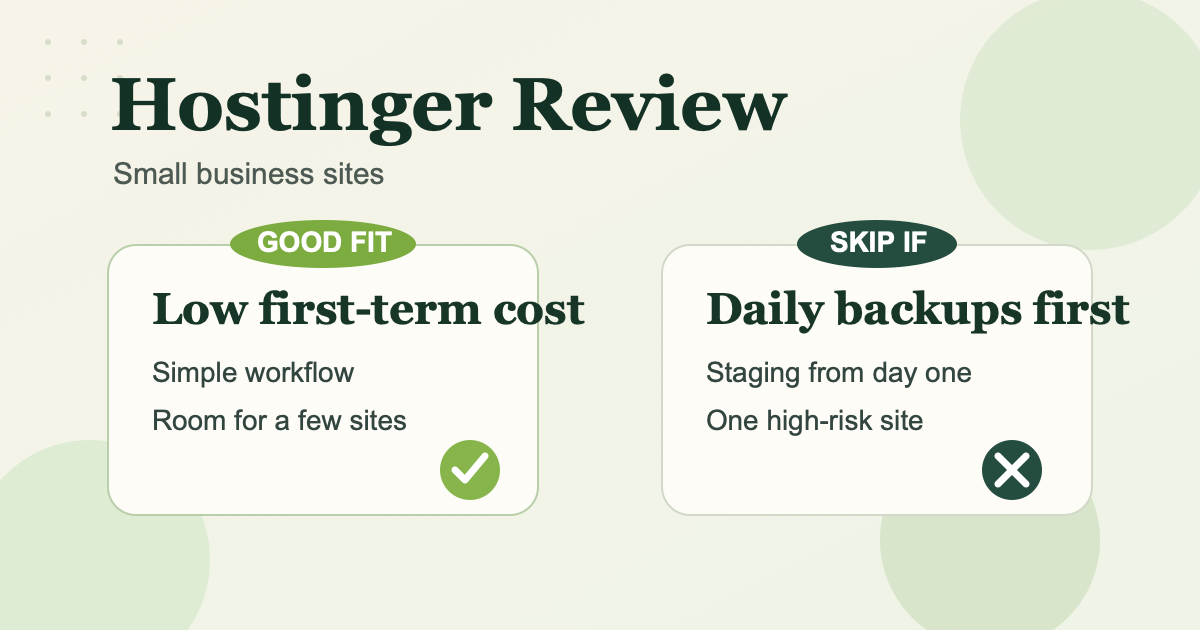
- Hostinger is a good fit when low first-term cost, simple setup, and room for a few websites matter more than daily backups and built-in staging on the cheapest path.
- Hostinger is a weak fit when daily backups, built-in staging, or a safer change-and-rollback workflow matter from day one.
The small business buyer it fits best
Hostinger fits best when the site is important, but the workflow is still simple.
Think about a solo consultant, small agency, or two-person service business that needs:
- one main brochure or lead-generation site
- maybe one extra site or campaign page later
- a low upfront hosting bill
- enough simplicity that no one wants to touch server settings
That is where Hostinger can feel practical. The hosting gives enough room to launch, publish, and keep overhead low.
If the site changes once or twice a month, that tradeoff is easy to accept. If the site changes every few days, the answer moves toward Business or a more workflow-heavy host.
What you are really buying
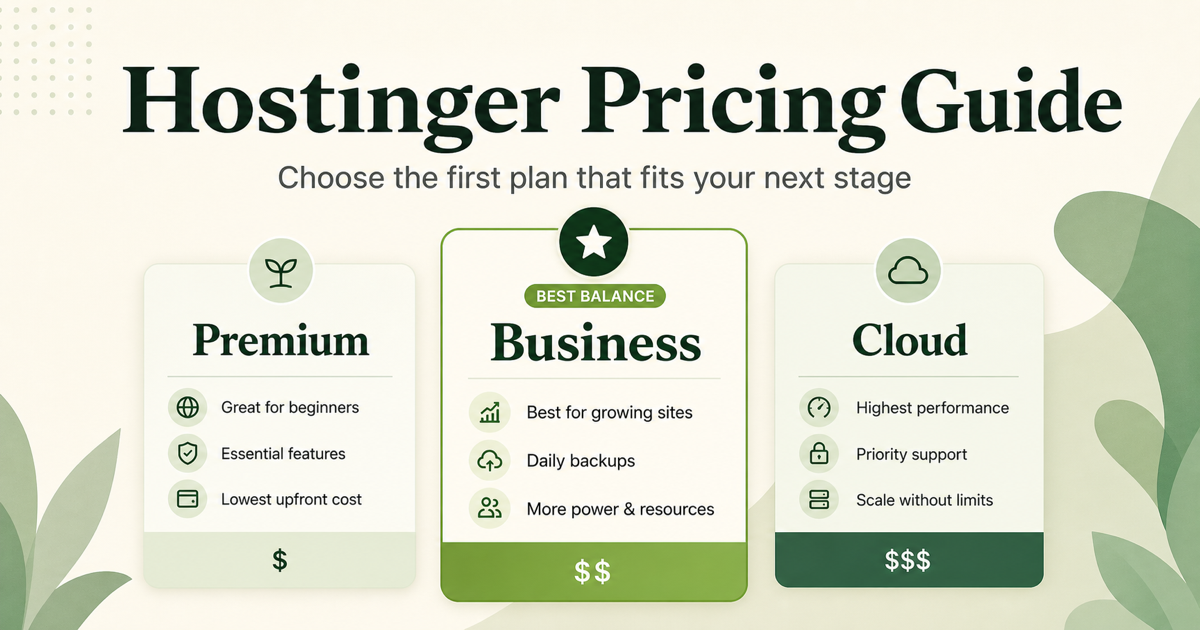
As of May 7, 2026, Hostinger’s pricing page lists Premium at $2.99 per month on the current 48-month term, renewing at $10.99. Business is listed at $3.99, renewing at $16.99. Premium includes up to 3 websites, 20 GB SSD storage, and weekly auto backups. Business raises that to 50 websites, 50 GB NVMe storage, and daily plus on-demand backups.
That matters because the real choice for many small business buyers is not “cheap hosting versus expensive hosting.” It is whether the lower entry price of Premium is still acceptable once backup policy and site-management safety start to matter.
Cloud Startup is available above Business. For most small business brochure sites or simple lead-generation sites, it is usually more plan than necessary unless you already know you need more performance margin, a dedicated IP, or priority expert support.
Where Hostinger works well
1. The first-term cost stays low
Hostinger is easy to defend when keeping launch cost down is part of the job. Premium is still one of the cheaper ways to put a real business site online without starting on a premium host.
That matters most when the business is still validating its site, local SEO, or first lead flow. In that case, paying less now can be the right call.
2. The multi-site headroom is better than many entry plans
Hostinger’s own support docs say Web Premium, Web Business, and cloud plans support multiple websites. That makes Hostinger easier to justify for a business owner who expects to add a second site, a separate landing page, or a small content site later without opening a second hosting account.
For a consultant or small agency, that flexibility can matter more than extra tools you may not use yet.
3. Business is an easy upgrade when the workflow gets heavier
The gap between Premium and Business is small on the current introductory term. If you already suspect that weekly backups will feel thin, starting on Business is not a hard price jump.
That is one of Hostinger’s better traits. The upgrade path from “cheap and simple” to “safer and more capable” is straightforward enough that you do not need to jump to cloud hosting too early.
Where Hostinger starts to feel thin
1. Premium is cheap because the workflow is lighter
Hostinger says all hosting plans include weekly backups, while Web Business and higher include daily backups. If you want daily backups on Premium, Hostinger says you can purchase that feature separately.
That means the cheapest path is best only when weekly backups are actually acceptable for the site. If you update plugins often, change layouts often, or handle frequent client approvals, the lower price matters less.
2. Built-in staging starts at Business
Hostinger’s staging documentation says the WordPress staging flow in hPanel requires a Business web hosting plan or higher.
That does not matter much for a simple brochure site that barely changes. It matters a lot more if the business site is updated every week and you want a safer place to test plugin, theme, or layout changes before publishing them live.
3. One important site can change the math
If a business depends on one main website for booked calls, form submissions, or local discovery, recovery workflow matters more than the promo banner.
That does not automatically make Hostinger a bad host. It does mean Premium can stop looking like the obvious answer once the cost of a bad update is higher than the money saved at checkout.
When Business is the better default
Business is the better default when any of these are already true:
- the site changes often
- daily backups feel non-negotiable
- you want built-in staging for WordPress
- you expect to run more than one business site with less friction
In those cases, the cheapest plan is not really the cheapest choice. It is just the lowest starting price.
When you should skip Hostinger
Skip Hostinger, or at least skip the cheapest path, when most of the following are true:
- one site matters a lot to the business
- rollback safety matters more than the intro price
- frequent WordPress changes are part of the normal workflow
- you want daily backups and staging without treating them as upgrade triggers
If that sounds like your setup, a host built around a more cautious day-to-day workflow can make more sense even if the first invoice is higher.
A practical decision rule
Choose Hostinger when low first-term cost, simple setup, and room for one to a few business sites matter more than daily backups and built-in staging on the cheapest path.
Start on Business when you already know you want daily backups or built-in staging. Skip Premium when weekly backups would make you nervous from the start.
Final take
Hostinger is usually good enough for a small business site when the site is simple, the budget matters, and the workflow is light.
It becomes less convincing when the site changes often or when safer recovery habits matter more than saving on the first term. That is the real takeaway for a small business buyer: Hostinger is strongest as a low-cost starting point, not as the best fit for every business workflow.
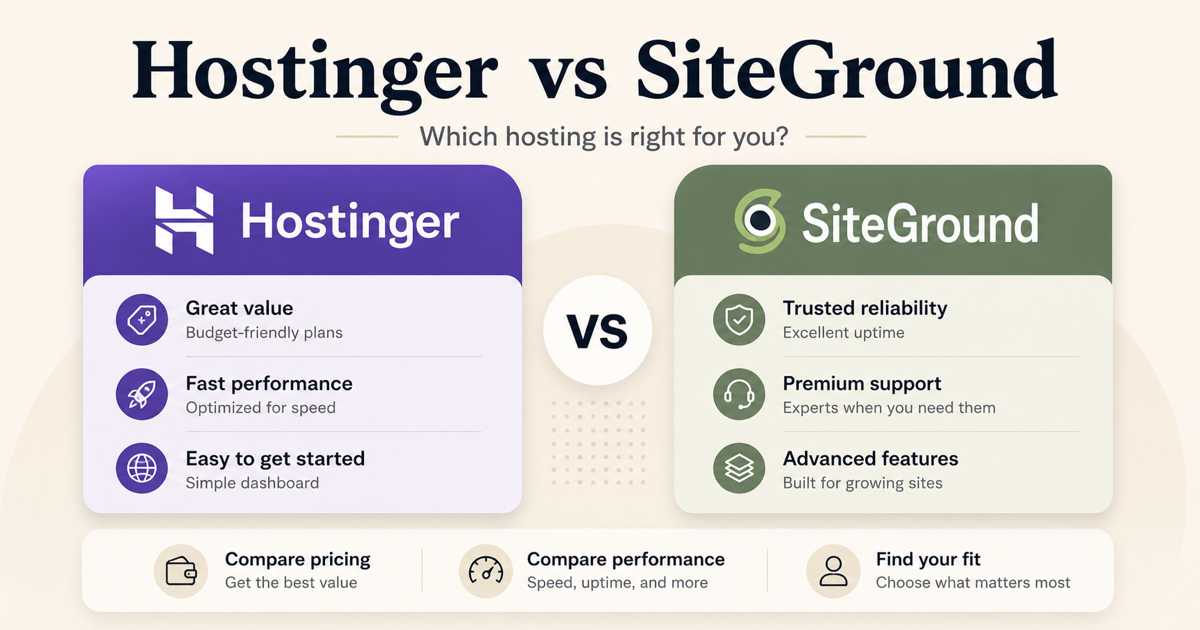
If the remaining question is which plan fits your situation, read our Hostinger pricing guide. If you already know backup policy and staging matter more than first-term price, read our Hostinger vs SiteGround comparison.