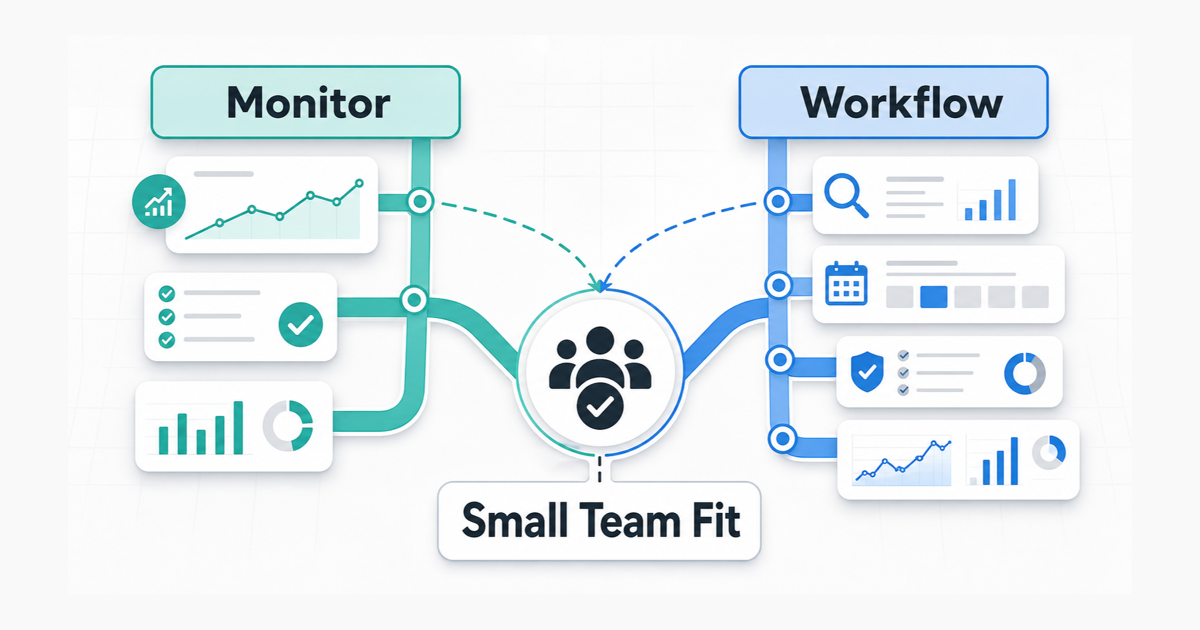
A small in-house team usually does not buy Semrush for status. The real question is whether the team has enough recurring SEO work to justify the base price, extra seats, and shared limits. If rank tracking, site audits, keyword research, competitor monitoring, and reporting are still spread across lower-cost tools or spreadsheets, Semrush can feel useful quickly. If the team mainly needs one narrow function, it can feel expensive just as quickly.
Quick verdict
- Semrush is worth it for a small team when several people will use the same SEO workflow every week and the tool will replace multiple tools or manual reporting steps.
- Semrush is more tool than you need when the team mainly needs one function, has a tight software budget, or does not yet have enough recurring SEO work to use enough of the platform.
The best fit
Semrush is usually a strong fit for a two-to-four person in-house marketing team that owns one main site and already has recurring SEO work. That usually means some mix of:
- weekly rank checks
- regular site audits
- keyword research for ongoing content
- competitor monitoring
- shared reporting for leadership or internal stakeholders
The platform makes more sense when those jobs happen every month and the team wants them in one system. It makes less sense when SEO is still occasional and one person logs in only when a problem comes up.
Why small teams buy it in the first place
The real appeal is not just that Semrush has many features. It is that one subscription can cover several recurring jobs at once.
As of May 7, 2026, Semrush’s SEO Toolkit still starts with three main tiers: Pro at $139.95 per month, Guru at $249.95, and Business at $499.95. The monthly equivalent is lower on annual plans, but annual billing is paid upfront for the full year.
That price can feel reasonable when the team would otherwise pay for rank tracking, crawling, keyword research, content planning, and reporting in separate places. It can feel hard to defend when only one or two of those jobs actually matter.
Where Semrush earns its keep
1. It helps when the team needs a shared workflow
Semrush is easier to justify when a small team is tired of passing exports around or rebuilding the same reports in different tools. Shared workflows matter more once content, SEO, and reporting all sit with the same group.
The extra-user docs also make an important point: additional users share the subscription usage limits. That is good when a team wants one shared workspace, but it also means more seats do not add more crawl pages, tracked keywords, or report rows on their own.
2. Guru becomes easier to justify when reporting and history already matter
The Pro plan is still the cheapest way in, but the question is not only whether Pro is affordable. It is whether Pro leaves enough room once the team needs history, broader reporting, and more tracked assets.
Guru becomes easier to justify only when the team specifically needs features that change day-to-day work:
- historical data for month-over-month or quarter-over-quarter reporting
- SEO Writing Assistant, SEO Content Template, and Topic Research for a repeatable content workflow
- multi-targeting in Position Tracking for more than one location or search context
- Looker Studio reporting integrations for recurring stakeholder reporting
If those features are already part of the workflow, Guru is easier to defend than Pro plus workarounds. If not, Pro may still be enough.
3. It is stronger when reporting has to be repeatable
Many small teams do not need enterprise reporting. They do need reporting that can be repeated without friction.
That matters most when one person has to produce the same monthly update for leadership: rankings, technical issues, competitor movement, and content opportunities in one package. In that situation, Semrush becomes more than a keyword tool. It can save enough time to justify the cost.
Where Semrush starts to feel heavy
1. Extra users raise the cost fast
As of May 7, 2026, Semrush says additional SEO Toolkit users cost $45 on Pro, $80 on Guru, and $100 on Business. That means a small team should not judge the platform only by the base subscription.
For a team of three people, the decision is not just one Pro seat versus one Guru seat. It is also whether multiple people actually need their own access often enough to justify the added cost.
2. Shared limits can become the real bottleneck
Semrush’s user-management docs say users share the main subscription limits. That matters more than many small teams expect.
If several people are using the same account during active campaigns, the platform may still fit well, but the team should choose a tier based on team usage, not one person’s usage. Before buying, check which limits your team is most likely to hit first: tracked keywords, monitored sites, crawl pages, or report rows. A plan that looks fine for one person can feel tight once several people pull from the same limits.
3. Business is usually too much for a small team
Most small in-house teams should skip Business unless they already know they need API access, Share of Voice, or materially higher limits. If the team cannot name one of those requirements clearly, Business is usually too big a jump.
When you should skip Semrush
Skip Semrush, or delay it, when most of the following are true:
- one person handles SEO only part-time
- rank tracking is the main need
- current reporting is simple and infrequent
- the team can work well enough with a smaller stack of focused tools
- the software budget is tight enough that one underused platform will put pressure on the rest of the budget
This is the clearest way to think about it: Semrush is not a good buy just because it is powerful. It is a good buy only when the team can point to the workflow problem it will solve.
A practical decision rule
Choose Semrush when the team will use several core SEO workflows every week, at least two people need access often enough to matter, and recurring reporting or shared analysis replaces enough separate tools or manual work to justify the total seat cost.
Skip it when the team mainly needs one narrow function, still runs light SEO operations, or cannot name the first limit or workflow bottleneck the subscription is supposed to solve.
Final take
For a small in-house team, Semrush is usually worth paying for only after SEO becomes a repeatable part of the team’s work instead of an occasional task.
That is why the best default is not “buy the cheapest plan first.” The better default is simpler: if the team will use rank tracking, audits, keyword research, competitor monitoring, and repeatable reporting in one shared workflow, Semrush can make sense. If not, it is often more tool than the team needs right now.
If the remaining question is which Semrush tier fits your workflow, read our Semrush pricing guide.