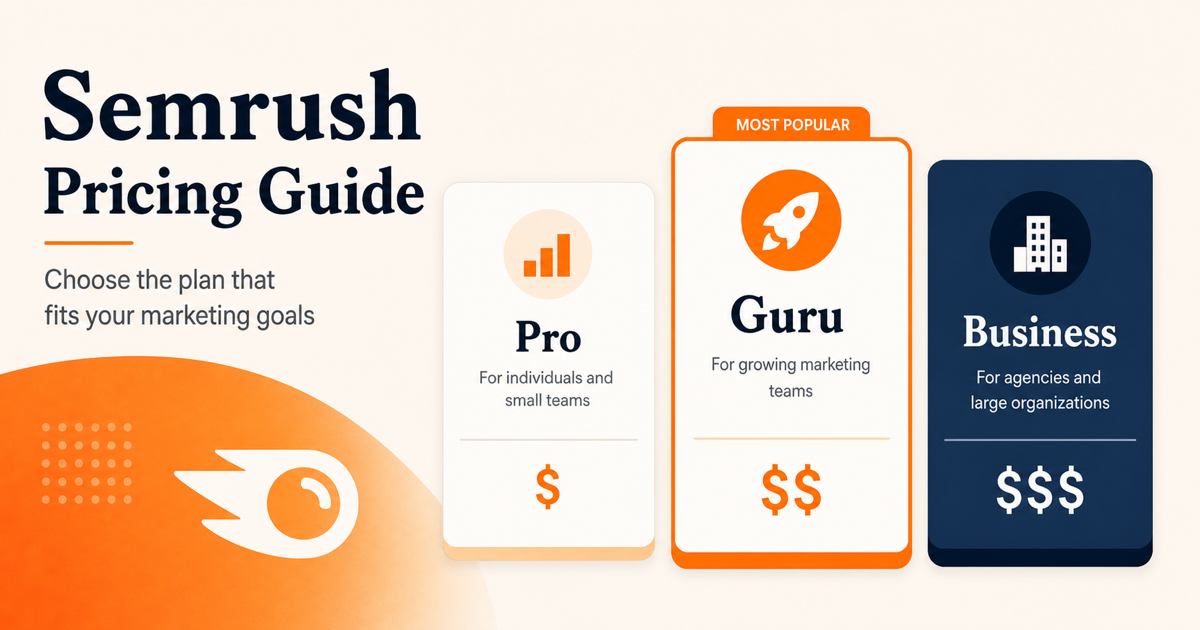
Semrush SEO Toolkit pricing starts at $139.95 per month for Pro, $249.95 per month for Guru, and $499.95 per month for Business. The annual billing equivalents are lower, but they are paid upfront for the full year.
That is the easy part. The harder question is which Semrush cost you mean: SEO Toolkit pricing, extra user seats, API access, Semrush One, the Traffic & Market Toolkit, or the Traffic Cost metric inside Semrush reports. Those are different things.
The short answer
- Pro costs $139.95 per month and is the right starting point for one main SEO workflow, up to 5 monitored websites, and up to 500 tracked keywords.
- Guru costs $249.95 per month and is the better fit when historical data, content workflow tools, 15 monitored websites, or 1,500 tracked keywords matter.
- Business costs $499.95 per month and is the first SEO Toolkit tier to evaluate if API access, Share of Voice, 40 monitored websites, or 5,000 tracked keywords are already required.
- If AI visibility reporting already matters, compare Semrush One before you buy a standard SEO Toolkit plan.
- If you searched for Semrush traffic cost, check whether you mean the Traffic Cost metric or the separate Traffic & Market Toolkit. They are not the same as the SEO Toolkit plan price.
How much does Semrush cost per month?
As of May 17, 2026, Semrush lists three main SEO Toolkit plans: Pro, Guru, and Business. Monthly pricing is $139.95, $249.95, and $499.95. Semrush also shows monthly equivalents with annual billing of $117.33, $208.33, and $416.66, but annual billing is paid upfront for the full year.
Semrush also offers a 7-day free trial for the SEO Toolkit. That is useful for testing the interface and workflows, but it does not show you which limits you will need.
Semrush pricing tiers at a glance
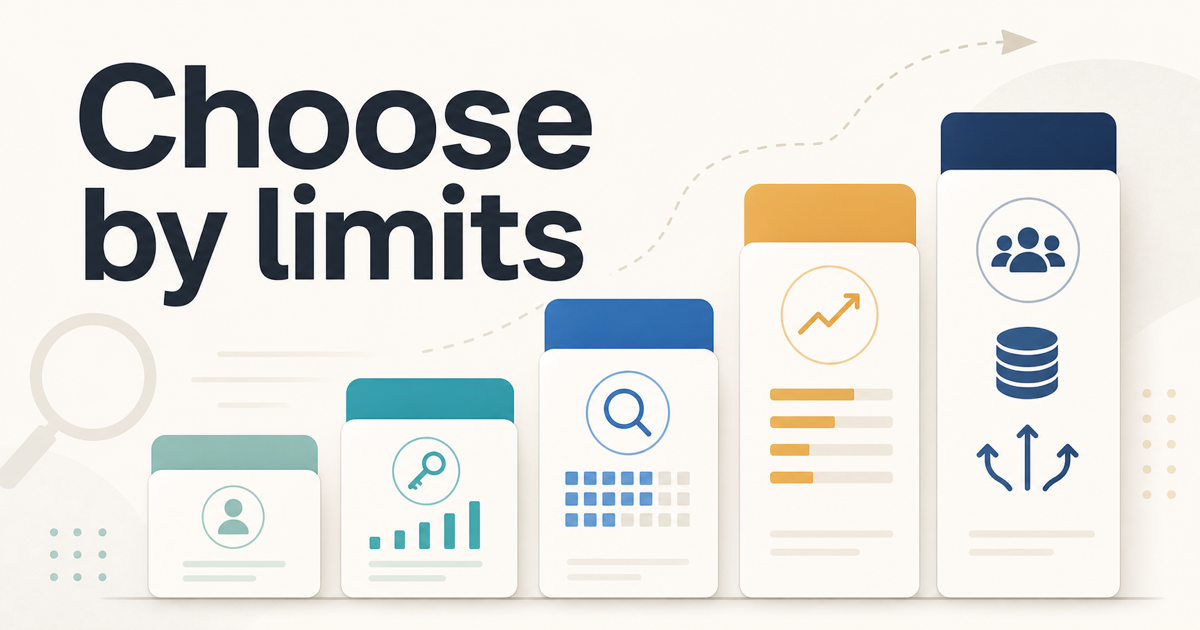
If you are looking for Semrush SEO Toolkit pricing and limits, start with the plan limits instead of the plan names. The price difference only makes sense after you know how many websites, tracked keywords, crawl pages, reports, and users the account has to support.
| Plan | Monthly price | Monthly equivalent with annual billing | Websites | Keywords | Crawl pages | Main reason to choose it |
|---|---|---|---|---|---|---|
| Pro | $139.95 | $117.33 | 5 | 500 | 100,000 | Lowest entry point for one main SEO workflow |
| Guru | $249.95 | $208.33 | 15 | 1,500 | 300,000 | Historical data and more room before the next upgrade |
| Business | $499.95 | $416.66 | 40 | 5,000 | 1,000,000 | API access, Share of Voice, and much higher limits |
What changes the real Semrush cost?
1. Limits decide your real plan
Before comparing features, list what the plan has to cover: monitored sites, tracked keywords, crawl volume, scheduled reports, report rows, and paid user seats. That usually tells you more than the feature list alone.
If 500 tracked keywords and 5 monitored websites are enough, Pro is still the right starting point. If those limits already look tight, buying Pro first can cost more in the end.
2. Guru matters when Pro’s limits are tight or reporting needs have grown
Choose Guru when the extra room changes the monthly workflow: 15 websites instead of 5, 1,500 keywords instead of 500, 300,000 crawl pages instead of 100,000, and reporting features the team will actually use. The practical reasons to pay more are historical comparisons, content workflow tools, multi-location tracking, and Looker Studio reporting.
That matters when a monthly report needs to explain whether rankings, content work, and technical fixes are improving over time instead of only showing current data.
3. Extra users add up quickly
Semrush charges for additional users based on the SEO Toolkit tier. As of May 17, 2026, extra users cost $45 on Pro, $80 on Guru, and $100 on Business.
That means a team should not look only at the base subscription. If more than one person needs access, the real monthly cost rises faster than the headline plan price suggests.
4. Annual pricing is cheaper, but it is not monthly billing
Semrush’s annual prices look lower because they are shown as monthly equivalents. In practice, annual billing is one upfront payment for the full year.
That can be a good deal if you already know Semrush will stay in your workflow. It is a bad idea if you are still uncertain about long-term use and only like the lower monthly number shown on the pricing page.
Semrush API pricing: what to know
If you are actually looking for Semrush API pricing, do not start with Pro or Guru. Semrush’s standard API access is tied to the SEO Toolkit Business plan. The Business plan is $499.95 per month, or the equivalent of $416.66 per month when billed annually upfront.
That does not mean every API use case is included for one flat price. Semrush’s developer documentation says Business users can generate an API key and buy API units. In other words, Business is the entry requirement for standard API access, not a promise that every API call is covered by the base subscription.
A clearer way to think about Semrush API cost is:
- Pro and Guru are not the normal path for standard API access.
- Business is the first SEO Toolkit plan worth considering for standard API access.
- API units may still need to be purchased based on the API usage you expect.
- If the API units model does not cover the volume you need, treat this as a sales-pricing question before choosing Business.
If API access is a hard requirement, Business is the first SEO Toolkit tier worth considering. If you only need keyword research, audits, rank tracking, and reports inside the interface, Pro or Guru may still be enough.
Semrush traffic cost is not your subscription cost
If you searched for “Semrush traffic cost,” you may not be looking for plan pricing at all. In Semrush reports, Traffic Cost is a metric. It estimates what it could cost to acquire a similar level of traffic through Google Ads. It is not the amount the domain being analyzed is actually spending, and it is not your Semrush subscription fee.
There is also a separate Traffic & Market Toolkit. As of May 17, 2026, Semrush lists Traffic & Market Pro at $289 per month. That toolkit is for competitive traffic and market analysis, not the same thing as the Traffic Cost metric in SEO reports.
The distinction matters because these searches look similar but lead to different answers:
| Search intent | What it usually means | Where to look |
|---|---|---|
| Semrush cost | SEO Toolkit subscription price | Pro, Guru, Business plan table |
| Semrush API pricing | API access and API units | Business plan and API documentation |
| Semrush traffic cost | Estimated Google Ads value of organic traffic | Semrush Rank or Domain Analytics metric |
| Traffic & Market Toolkit pricing | Separate competitive traffic toolkit | Traffic & Market Pro or custom plan |
Do not use Traffic Cost by itself to choose a plan. Plan choice should come from your monitored websites, tracked keywords, crawl needs, reporting needs, users, and whether API or AI visibility reporting is required.
What is the cheapest way to start using Semrush?
The cheapest practical path is usually to use the 7-day free trial, then start with Pro only if you know what that first paid month needs to accomplish.
Pro is the lowest main SEO Toolkit tier, but it is still not cheap. It makes sense when one person will use Semrush for a defined workflow: tracking keywords, auditing a site, researching competitors, and building reports. It is harder to justify if the account will only be used for one keyword export or a quick look at competitors.
If you are on a tight budget, do not buy Guru just because it has more features. Start by identifying the first limit you are likely to hit. If that limit is not clear, use the trial to check whether you can finish one audit, one keyword set, and one recurring report inside Pro’s limits. If not, keep working from Google Search Console, Analytics, and a smaller research stack until the recurring need is obvious.
When Pro is enough
Choose Pro when:
- you manage one main site or a small number of sites
- 500 tracked keywords is still enough
- current data is enough for reporting
- you do not need historical data yet
Pro becomes a bad buy only when the cheapest plan would force workarounds immediately: too many tracked keywords, too many monitored websites, missing history for reports, or more users than the budget can absorb.
When Guru is worth paying for
Choose Guru when the Pro limits would block work you already repeat, especially recurring reports that need historical comparison.
The clearest signs are:
- you need more than 5 websites or more than 500 tracked keywords
- historical data is already important for your reports
- you want Semrush content tools inside the same subscription
- you need Looker Studio reporting integrations
Guru makes more sense when the same report has to compare current rankings, tracked keywords, and site issues against past periods every month. If the team does not need that history or extra reporting room yet, do not upgrade just to unlock a longer feature list.
When Business makes sense
Business is not the default upgrade for most buyers. It is the plan for teams that already know they need enterprise-level limits or deeper technical access.
Do not choose Business unless:
- 1,500 tracked keywords is already too low
- you need API access
- Share of Voice is part of reporting
- you monitor many sites across a larger team or client base
If none of those are true yet, Business is hard to justify before you have a specific API, reporting, or scale requirement.
When to skip SEO Toolkit and look at Semrush One
Look at Semrush One only if AI visibility is already part of the monthly reporting job. As of May 17, 2026, Semrush One starts at $199 per month, with Pro+ at $299 and Advanced at $549. Its monthly equivalents with annual billing are $165.17, $248.17, and $455.67, paid upfront for the full year.
If your monthly SEO report must include AI visibility, brand mentions, or whether your pages appear in AI-generated answers, compare SEO Toolkit plans with Semrush One instead of simply moving from Pro to Guru or Guru to Business.
A useful threshold is whether AI visibility is already part of the reporting deliverable. If the team only wants classic keyword tracking, audits, and competitor research, SEO Toolkit is still the cleaner comparison. If the monthly report now needs recurring AI visibility or brand mention tracking, Semrush One deserves a separate look before you commit to an annual SEO Toolkit plan.
A practical decision rule
Choose the lowest Semrush plan that can handle the first limit you can already name. If you are paying month to month, do not overbuy for a hypothetical future workflow. If you are paying annually, be more conservative because the lower monthly equivalent comes with a full-year commitment.
If the limit is tracked keywords, monitored websites, or crawl pages, compare Pro and Guru first. If the limit is API access, Share of Voice, or much higher reporting capacity, look at Business. If the limit is AI visibility reporting, compare Semrush One. If the question is competitive traffic intelligence, you are probably looking at Traffic & Market Toolkit instead of SEO Toolkit.
FAQ
Are Semrush pricing tiers the same as SEO Toolkit pricing and limits?
Usually, but check the product name. The main SEO Toolkit tiers are Pro, Guru, and Business. Semrush also sells Semrush One and other toolkits, so two Semrush pricing pages can describe different products.
Is Semrush traffic cost a subscription price?
No. If you see Traffic Cost inside a Semrush report, treat it as an estimated paid-search value for organic traffic, not as an amount someone paid to Semrush.
Does Semrush API pricing start with Business?
For standard API access, yes. The important catch is that Business is the access tier, while API units can still affect what the API work actually costs.
Why is Semrush so expensive?
Semrush is expensive when you only need one narrow use case. It becomes easier to justify only when those jobs recur monthly: rank tracking, site audits, keyword research, competitor monitoring, content planning, and stakeholder reporting.
Final take
If one person manages one main SEO workflow, Pro is the default starting point. Move to Guru only when higher limits, historical data, content tools, or recurring reporting will save real time. Treat Business as an API, Share of Voice, or high-scale plan, not the normal next step. Compare Semrush One only when AI visibility or brand mention tracking is already part of the reporting requirement.
Do not treat Traffic Cost as a subscription price. It is a Semrush metric, and Traffic & Market is a separate toolkit for competitive traffic analysis.
If the remaining question is whether the platform is worth buying at all, read our Semrush review for small teams. If the real decision is Semrush versus Ahrefs, read our Semrush vs Ahrefs comparison for small teams.